Mahmudul Hossain
Google Ads & Conversion Tracking Specialist
2 October 26
7 min read
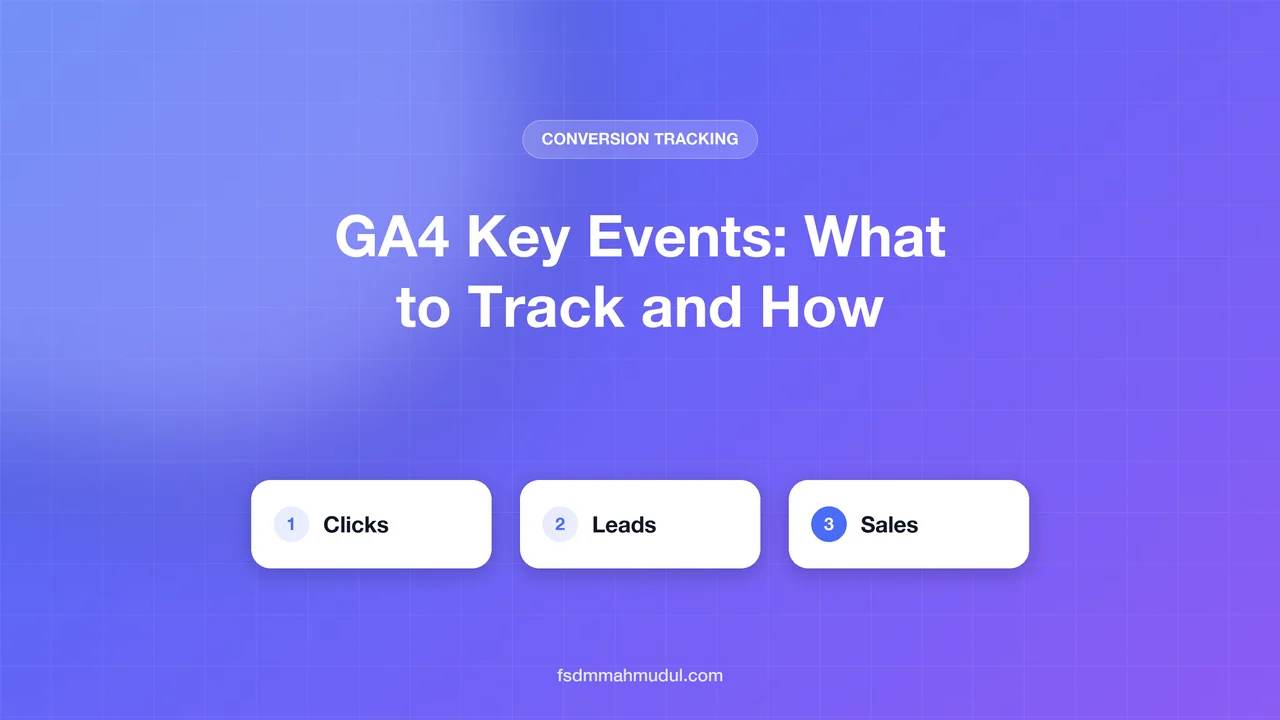
Illustration by Fsdm Mahmudul
Google Analytics 4 (GA4) collects a lot of data, but most of it does not tell you whether your website is making money. GA4 key events fix that. They are the few actions that matter most to your business, like a sale, a booking or a lead form. Set them up well and your reports finally answer the question "is this working?"
In this guide we explain what key events are, which ones to track, and how to set them up step by step. No coding background needed. If you would rather have a specialist handle it, our conversion tracking service covers GA4 setup from start to finish.
You will also learn the common mistakes we see in almost every account we audit, so you can avoid them from day one.
An "event" in GA4 is any action a visitor takes. Viewing a page, scrolling, clicking a button and buying a product are all events. GA4 records many of these on its own.
A key event is an event you have told GA4 is important. Google used to call these "conversions" in GA4. The name changed so it would not be confused with conversions in Google Ads, which work a little differently.
Here is the simple way to think about it:
The best key events are actions that are close to money. A good test is to ask: "If this number went up, would I be happy?" If the answer is "maybe", it is probably not a key event.
The right list depends on your type of business. The table below shows where we usually start.
| Business type | Main key event | Helpful secondary key events |
|---|---|---|
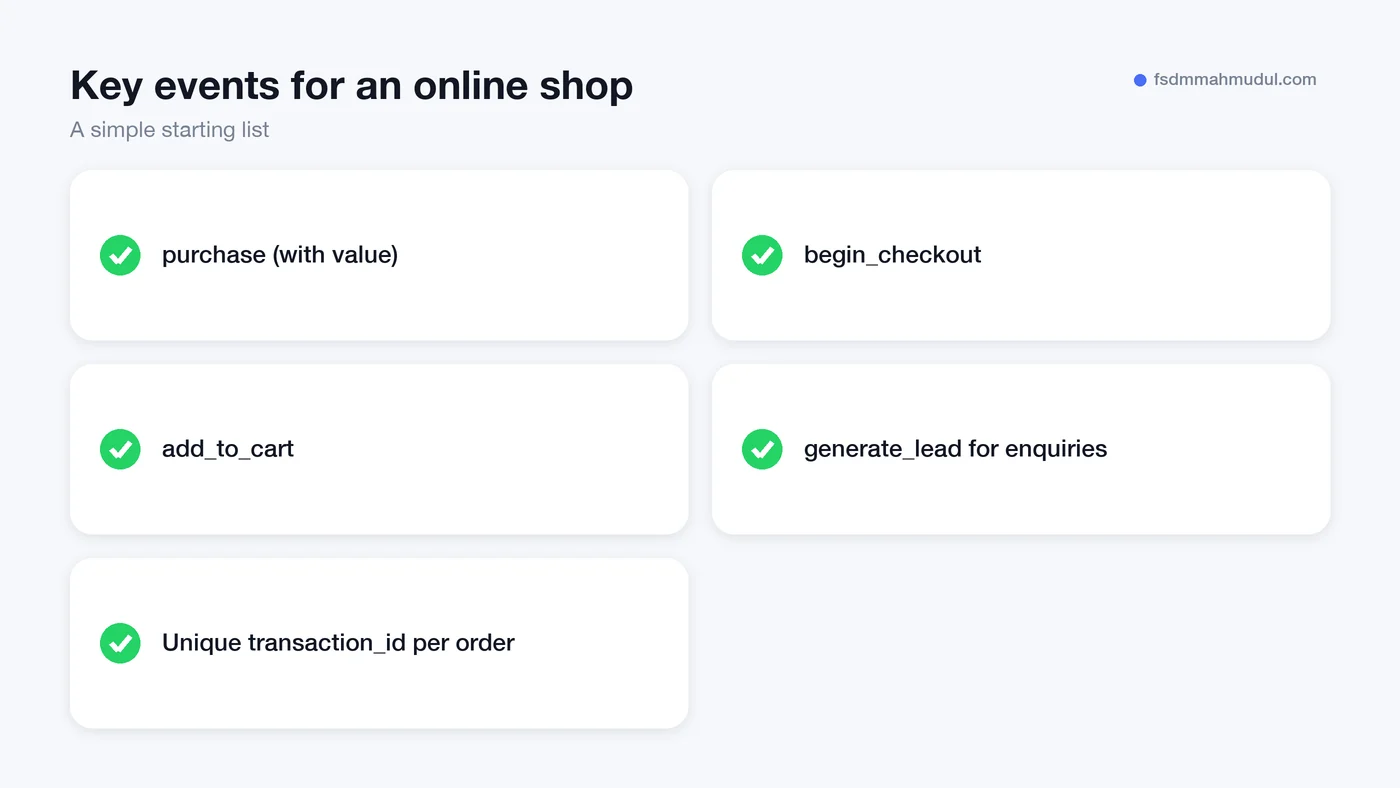
| Online shop | purchase | begin_checkout, add_to_cart |
| Local business | Booking or call | Contact form, click to call, directions click |
| Lead generation | generate_lead | Quote request, demo booking |
| Agency or B2B service | Qualified enquiry | Calendar booking, sign_up |
Names in code format, like purchase and generate_lead, are GA4 "recommended events". Google has already defined them, so using the exact same names unlocks better reports.
Keep your list short. Most businesses need one main key event and two or three supporting ones. Tracking twenty key events makes it hard to see what matters.
There are two parts. First you make sure the event is being collected. Then you mark it as a key event. Follow these steps in order.
purchase may already be there through the platform's built-in integration.Open Admin > DebugView and complete the action yourself on your website. A test purchase or a test form fill works well. You should see the event appear with a key event marker.
If you use GTM, its Preview mode shows which tags fired on each page. Testing takes ten minutes and saves weeks of bad data.
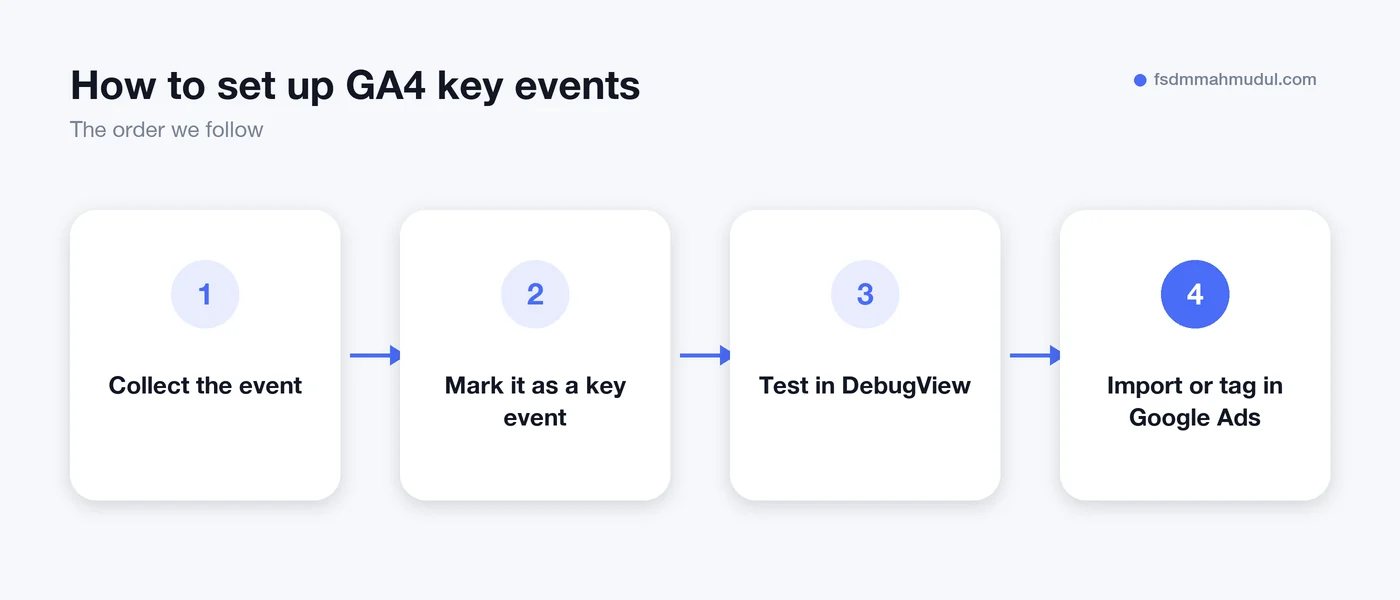
You can import GA4 key events into Google Ads as conversion actions. Many shop owners do this because it is quick. Whether it is the best choice depends on your setup.
Importing from GA4 is fine for small accounts and for secondary goals. For your main sale or lead, we usually recommend a native Google Ads conversion tag with Enhanced Conversions turned on. Enhanced Conversions sends a scrambled (SHA-256 hashed) version of the customer's email address, which helps Google match more sales back to ads.
We cover the Google Ads side in detail in our guide to setting up Google Ads conversion tracking. The short version: use GA4 key events to understand your whole website, and use Google Ads conversions to steer your ad spend.
We see the same problems again and again. Check your account against this list.
purchase, your revenue looks bigger than it is. Send a unique transaction_id with every order so GA4 can remove duplicates.lead, form_submit and contact_lead scattered across tags make reports messy. Pick one name and stick with it.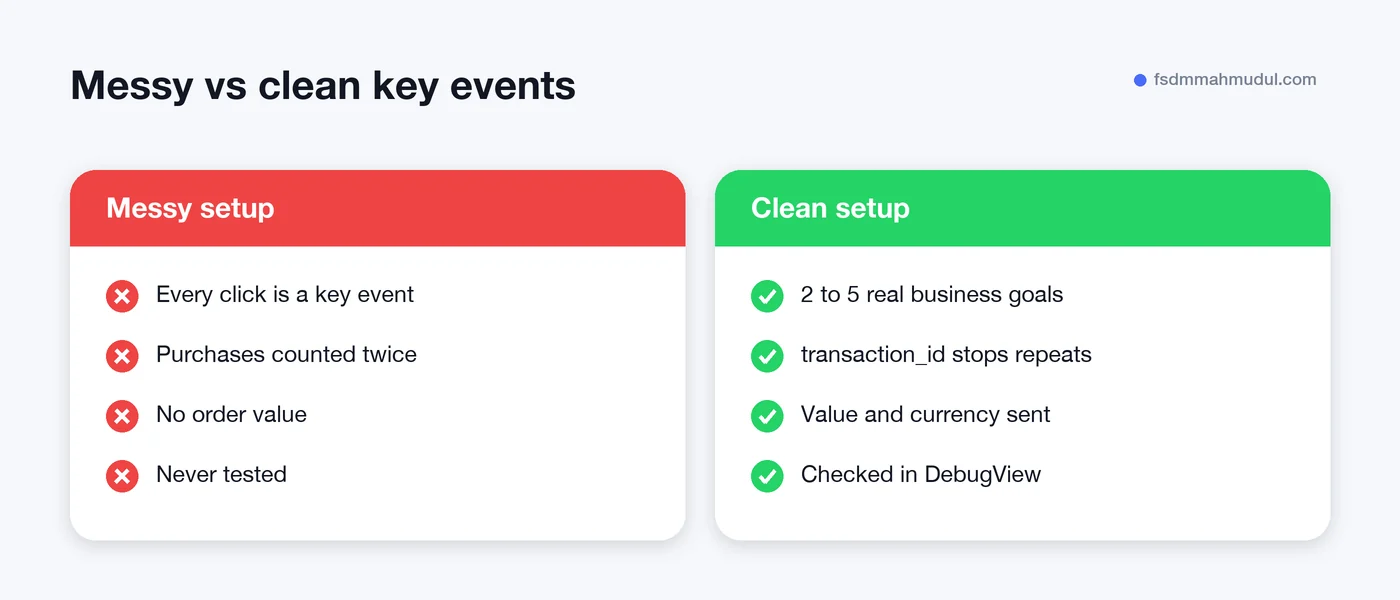
When we take on a new account, we start with an audit. We list every event, check which ones are marked as key events, and test the main ones live. Then we remove the noise, fix the gaps and connect the clean data to the ad platforms.
You can see examples of this work in our GA4 tracking projects. Our team has done this for 50+ clients over 5+ years, from small local businesses to online shops. If you want to check our training, our Google certifications are listed too.
An event is any action GA4 records, like a page view or a click. A key event is an event you have marked as important to your business, such as a purchase or a lead. Key events get their own reports and can be shared with Google Ads.
Most businesses need between two and five. One should be your main goal, like a sale or a booking. The rest should be strong signs that someone is close to buying.
New key events can take up to a day or two to show in standard reports. If they still do not appear, check DebugView while you complete the action yourself. Usually the event name is spelled differently, or the tag is not firing.
Not exactly. Key events live in GA4 and describe your whole website. Google Ads conversions are what Google Ads uses to optimise bids. You can import key events into Google Ads, but for your main goal a native Google Ads tag with Enhanced Conversions is usually more accurate.
Clean GA4 key events are the base of every good marketing decision. When they are right, you know which channels bring sales and where to spend your next pound, euro or dollar.
If you are not sure your setup is correct, our team will look at it for you. Book a free tracking audit and we will show you what is working, what is broken and what to fix first.
We can review your current setup and show which issue should be addressed first.
Get My Free AuditHere are answers to the questions people ask us most. Can't find yours? Message us and we usually reply within an hour.

We review your campaigns, tracking or conversion journey, then show you the main issue limiting performance, its business impact and a practical next step.
Yes. Most clients start from $1,000 a month in ad spend. We will tell you honestly if your budget is too small.
A dedicated specialist from our team runs your account day to day, and Mahmudul oversees the strategy and reviews the results. You always have one point of contact, so you never have to chase anyone.
No. Work is month to month and you can cancel any time.
Always. Your accounts, campaigns and tracking stay yours, even if we stop working together.
Wasted spend usually drops in the first 2 weeks. Steady growth shows by month 2 or 3.
Clients in Bangladesh, the US, UK, Canada, Australia and Europe. Our team works across time zones.
Request a free audit or message us on WhatsApp. We confirm the audit is a good fit, share our findings or invite you to a review, then agree the next step with Mahmudul.
Yes. Our tracking specialist checks that every sale, lead and call is counted correctly, because good ads need good data.
Yes. We send clear, simple notes your developer can follow, or our own developer makes the changes for you.
With a team. Mahmudul leads a small group of specialists in ads, tracking, page design and website development. Each person works on what they know best, and Mahmudul checks the work before it reaches you. If someone is away, another team member covers for them, so your work never stops.
You get a simple monthly report showing what we spent, what we got back and what we will do next. Mahmudul reviews every report before it is sent.