Mahmudul Hossain
Google Ads & Conversion Tracking Specialist
24 November 26
6 min read
AI-generated illustration for Fsdm Mahmudul
Google Ads setup and management starts with a clear business goal, reliable conversion tracking and a page that helps the right customer take action. Once campaigns launch, the job is to check where money goes and whether the enquiries or sales are valuable.
This guide covers that process for eCommerce brands, local businesses and agencies. If your account is already running, use the steps to find gaps before increasing the budget.
Write down the service or product you want to promote, who buys it and what a useful result looks like. A moving company may want booked jobs within a service area. A clothing store may need orders with enough margin to cover advertising and delivery.
Next, agree how you will judge lead quality or sales value. A quote request could be outside your area or for a service you do not offer. Store revenue can include orders that are later cancelled. Keep those details in your business records so campaign decisions can use them.
| Business | Main outcome | Useful quality check |
|---|---|---|
| Local service business | Quote request or booked job | Service area, job type and booking outcome |
| eCommerce store | Completed purchase | Order value, margin, returns and cancellations |
| Agency client account | Client's agreed lead or sale | Client feedback or CRM outcome |
Confirm that your business owns its Google Ads account and can access the website, analytics and any store or CRM integration involved. Give a freelancer or agency the access needed for the agreed work.
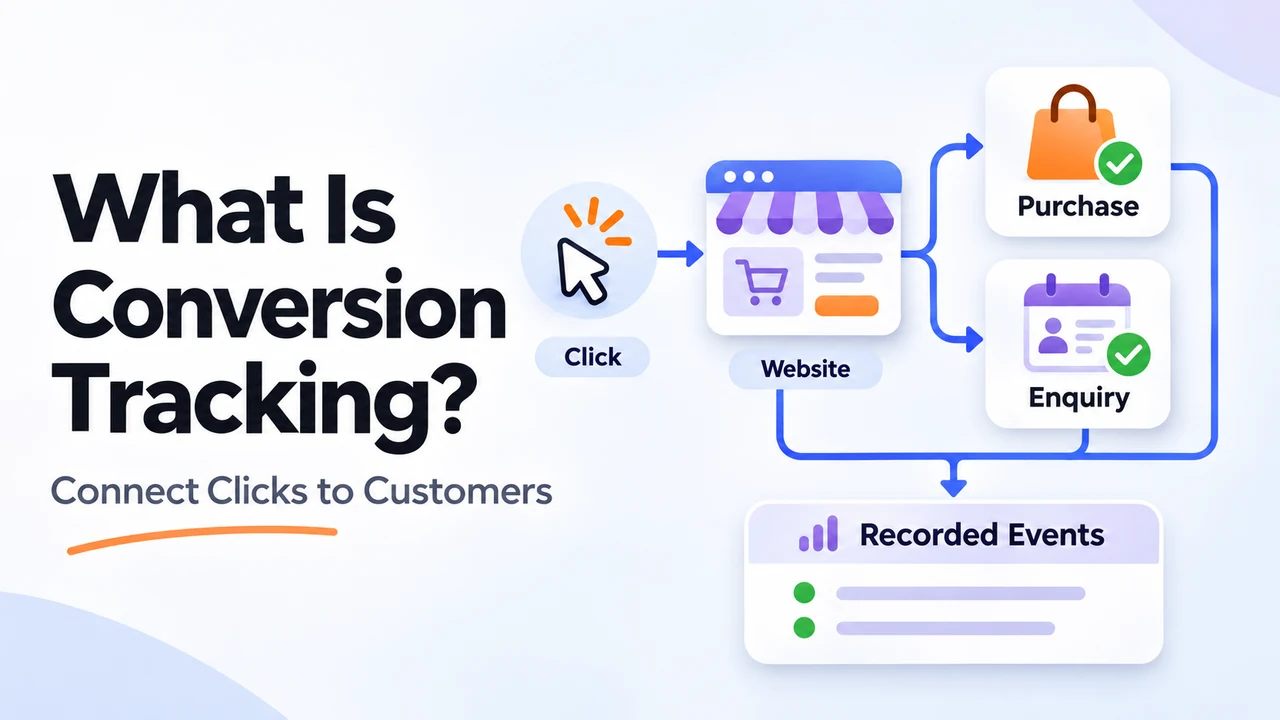
Then test the main conversion. Submit a valid enquiry or place a test order. Check that it records once, at the point the action succeeds, with the right details. For purchases, review order ID, value and currency. For forms, check that an invalid submission does not become a lead.
Review which conversion goals each campaign uses. Under standard goals, primary actions can guide bidding when the campaign uses that goal. Secondary actions are generally for observation, although actions included in custom goals can be used for bidding. Google's conversion action guidance explains these settings.
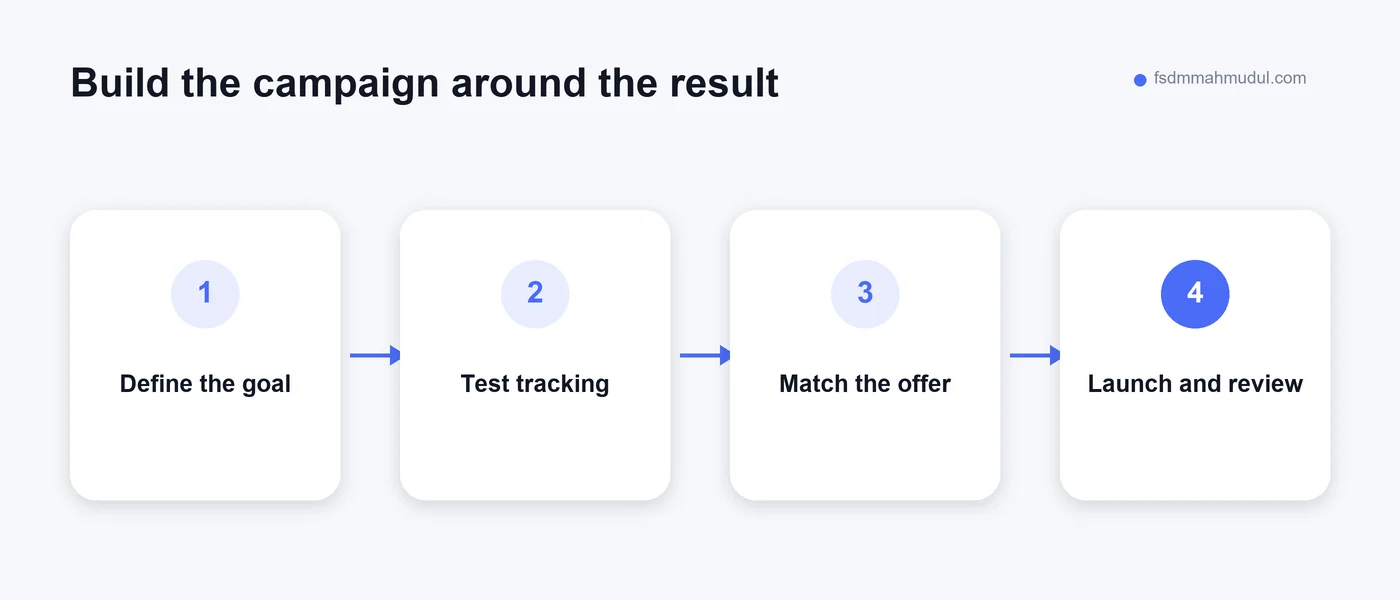
Choose a campaign type around the demand you want to reach and the assets you can provide. Search can reach people actively looking for a service or product. Shopping and Performance Max may fit an online store with a suitable product feed and reliable purchase measurement.
Decide what each campaign is responsible for. Mixing several offers, markets and customer needs in one campaign can make it harder to see what is working. Separate them when they need different budgets, landing pages or controls.
Set a test budget your business can support while you learn. Google Ads uses average daily budgets, and spending can vary by day. Review the platform's spending limits before launching. Use the Google Ads budget guide to think through a starting amount and how you will judge it. Google explains average daily budgets and spending limits.
For Search campaigns, group keywords around a clear customer need. A campaign for home removals needs a different message from one for commercial waste collection. Each group should lead to a page that answers the reason behind the search.
Choose match types deliberately. Exact and phrase match can still include searches with matching meaning or intent. Review actual search terms after launch and add negative keywords when a query clearly falls outside your offer. Google explains keyword matching options.
Check location settings, language, schedule and any exclusions against your real market. UK, US and European campaigns may need different offers, currencies or service details. Write ads that say what you provide, who it suits and what the visitor should do next.
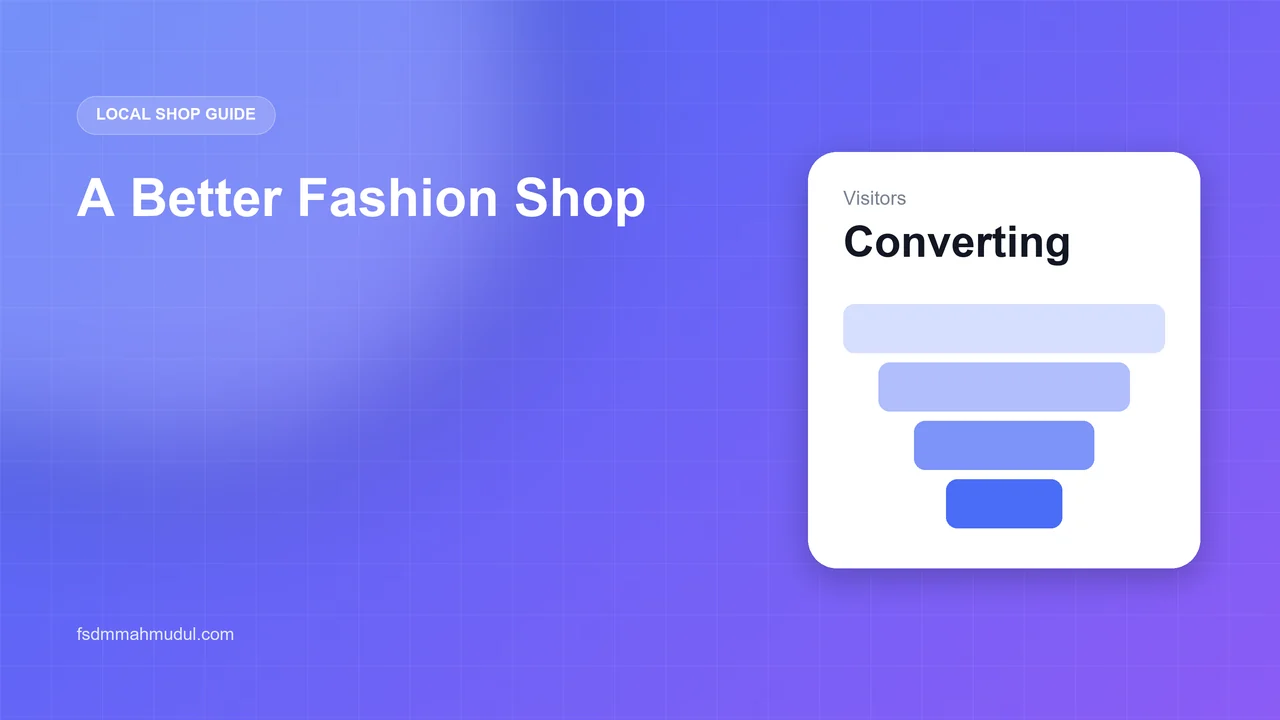
Open the page on a phone and follow the customer journey yourself. Can someone quickly understand the offer, see relevant proof and find the next step? Check the form, contact details, checkout and confirmation messages.
Look for questions that could stop a good prospect. A local customer may need to know your service area. A shopper may need delivery and return details. An agency may need clarity about communication and account ownership.
Make sure the ad promise matches the page. If visitors click an ad for a particular product or service, landing on a broad homepage may leave them searching again. Link to the most useful page for that offer.
Before turning campaigns on, note what you changed, what you expect to learn and when you will review it. Check billing, destinations, tracking, budgets and campaign status.
After launch, watch for problems that need prompt action, such as broken pages, failed measurement or clearly irrelevant traffic. Give performance reviews enough time to include the business's normal conversion delay. A lead may take time to become a booked job.
Keep a change record. If you change targeting, bidding, ads and the page together, it becomes harder to understand which change helped. Make grouped changes when necessary and record why.
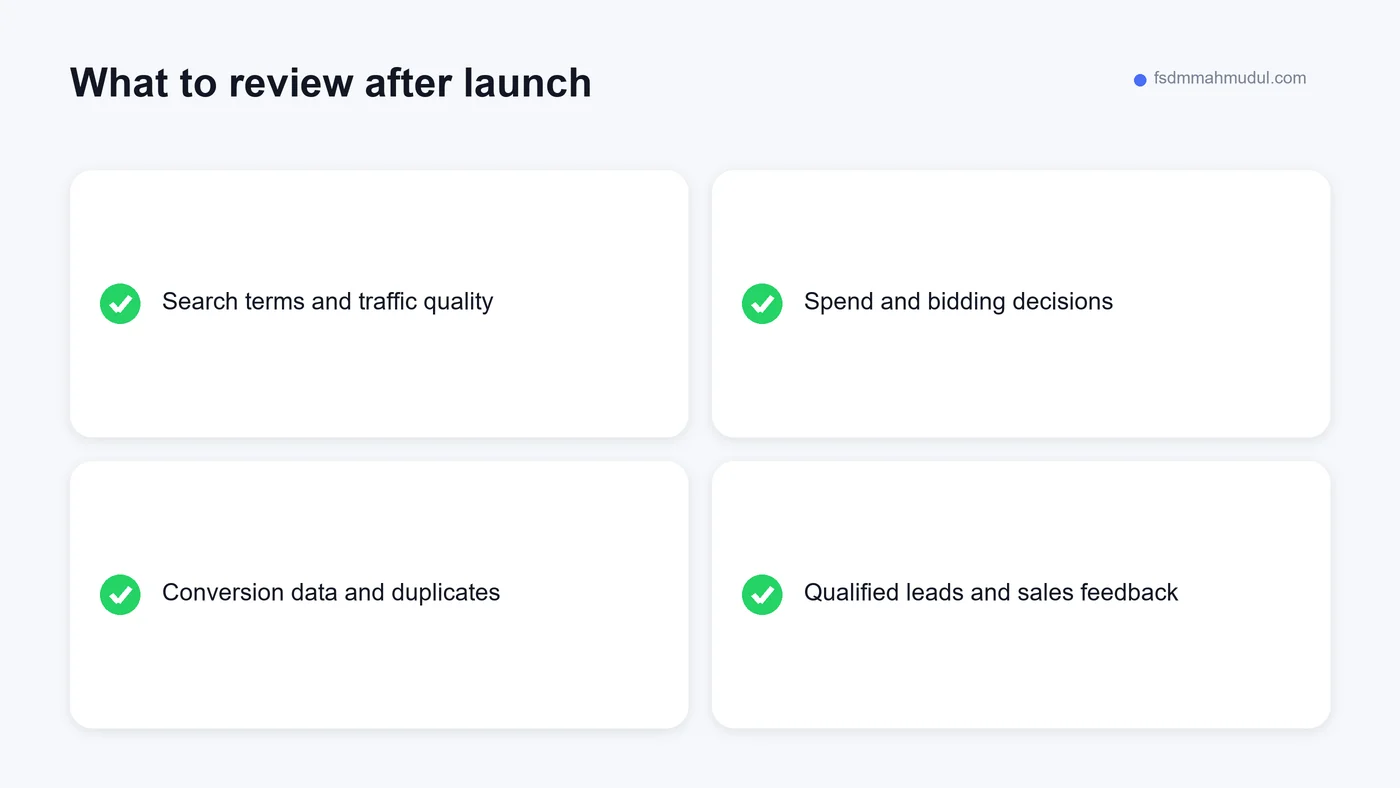
Regular management connects platform reports with customer outcomes. Review search terms, costs, conversion data and performance by the segments relevant to your account. Look at where useful leads or sales come from and where spend produces little business value.
For lead generation, ask which enquiries were qualified and which became customers. For eCommerce, compare campaign results with store records and the products you can profitably sell. Where suitable data and identifiers are available, qualified outcomes can feed back into measurement.
For an example of decisions based on old campaign data and a rebuilt campaign, read the Google Search campaign restructure case study. Its evidence periods and campaign scope are explained so you can understand the comparison.
Yes. Start with a clear offer, test tracking and learn the settings you use. If you cannot explain the reported conversions or where spend goes, get the account checked before scaling.
Setup provides the starting structure. Management reviews searches, spend, data and business outcomes as campaigns run. The level of support depends on account complexity and how much work you can reliably handle.
Share your website, target market, main offer, current spend and the problem you want solved. For an existing account, explain what counts as a qualified lead or valuable order. Access can be agreed after the scope is clear.
If you need support with setup or ongoing optimisation, explore the Google Ads management service. You work directly with Mahmudul on the core work, with the scope agreed around your business needs.
To start, request a free Google Ads audit. Share your website and main concern so the review can focus on the issue affecting your next decision.
I can review your current setup and show which issue should be addressed first.
Get My Free AuditHere are answers to the questions people ask me most. Can't find yours? Message me and I usually reply within an hour.
I review your campaigns, tracking or conversion journey, then show you the main issue limiting performance, its business impact and a practical next step.
Yes. Most clients start from $1,000 a month in ad spend. I will tell you honestly if your budget is too small.
I run your account day to day, handle the strategy and review the results. You always have one point of contact, so you never have to chase anyone.
No. Work is month to month and you can cancel any time.
Always. Your accounts, campaigns and tracking stay yours, even if we stop working together.
Wasted spend usually drops in the first 2 weeks. Steady growth shows by month 2 or 3.
Clients in Bangladesh, the US, UK, Canada, Australia and Europe. I work across time zones.
Request a free audit or message me on WhatsApp. I confirm the audit is a good fit, share my findings or invite you to a review, then agree the next step with you.
Yes. I check that every sale, lead and call is counted correctly, because good ads need good data.
Yes. I send clear, simple notes your developer can follow, or I can coordinate specialist development support when needed.
I personally handle Google Ads, conversion tracking and CRO. When needed, I coordinate specialist support for website design, development, maintenance and graphics.
You get a simple monthly report showing what I spent, what I got back and what I will do next. I review every report before it is sent.